


NOTION & AIRTABLE
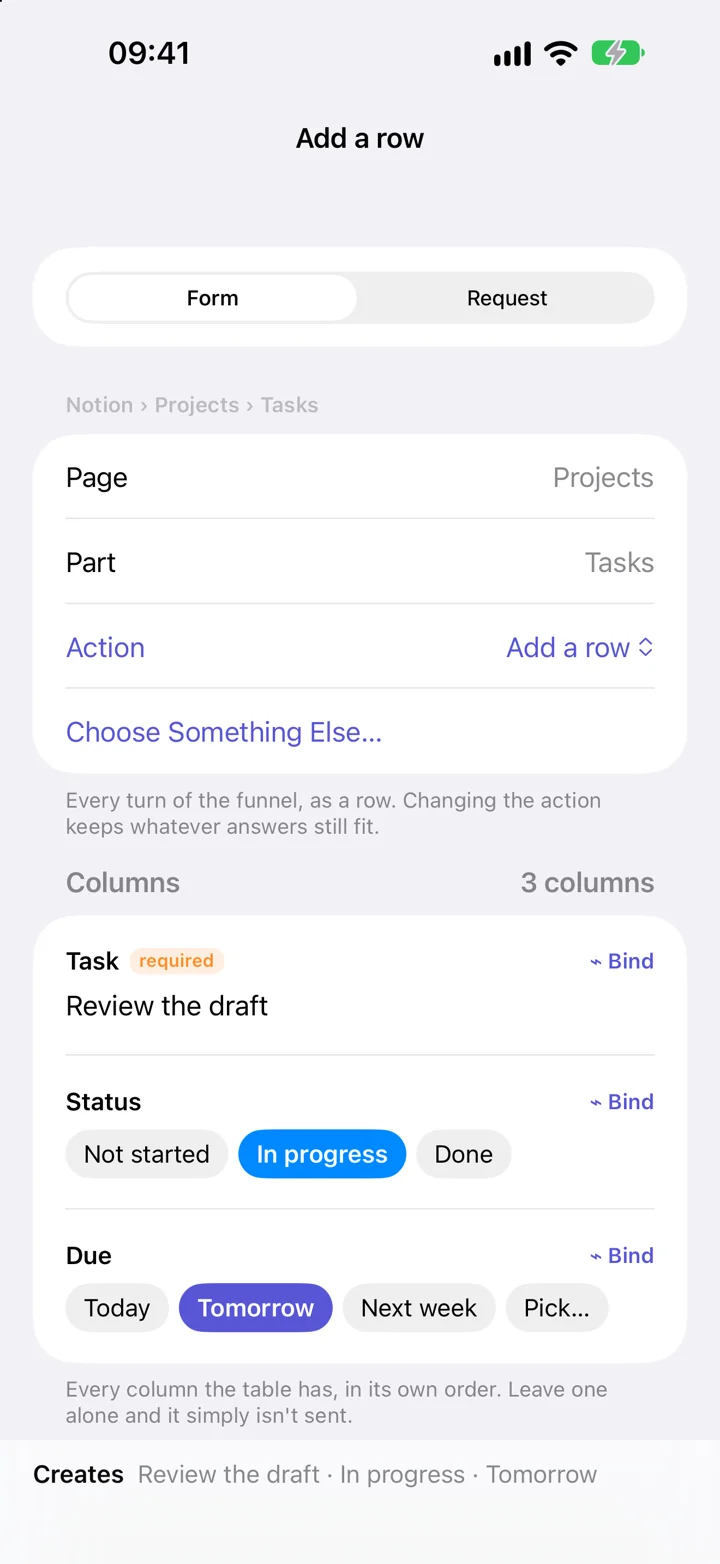
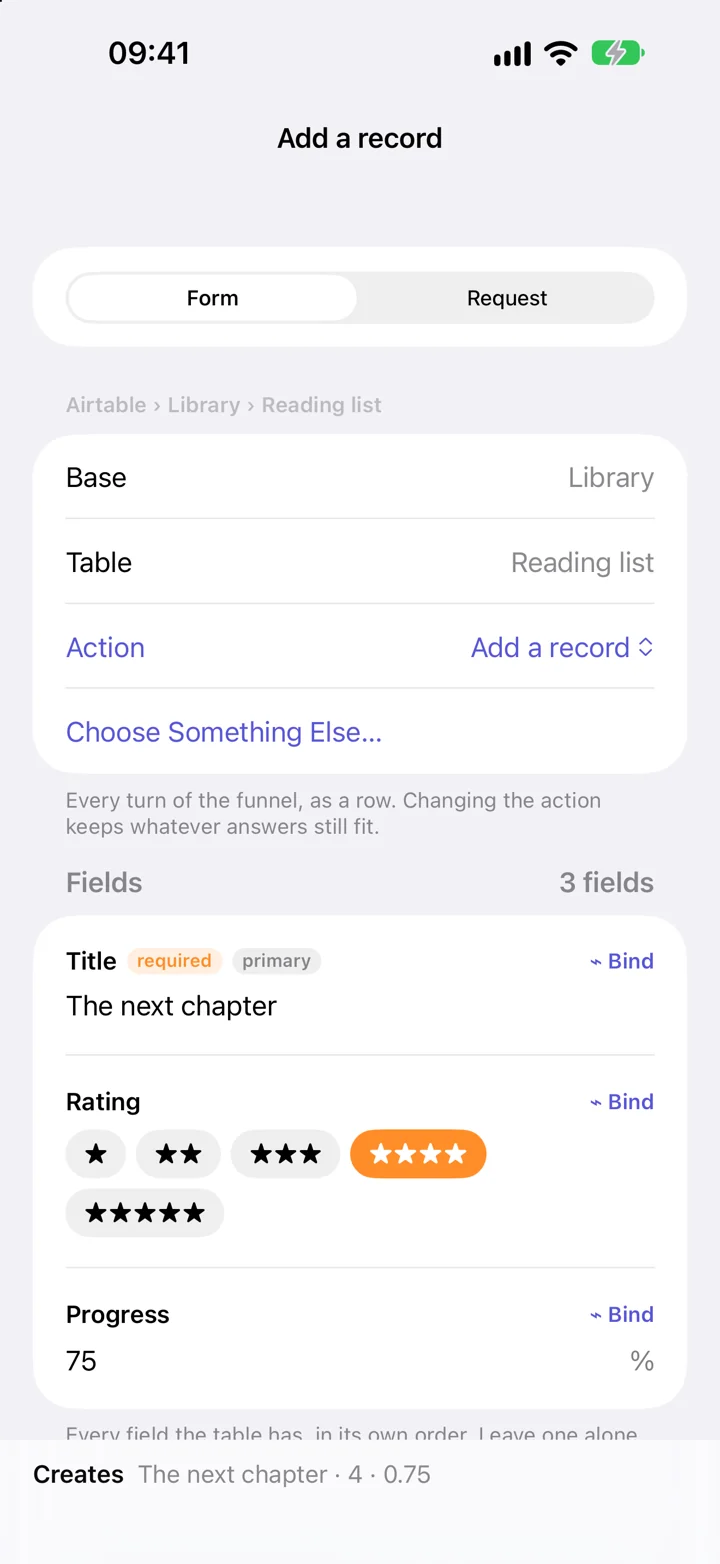
Your table becomes a form.
Pick a table. Its fields become controls you can fill in, with choices for statuses and dates.
MADE FOR APPLE SHORTCUTS
Add a task to Notion. Create a GitHub issue. Work with your Airtable records. Build the action in Shortcutify, then run it from your shortcut.
Your services. In one action.
FROM SETUP TO SHORTCUT
Keep the details in Shortcutify. Let your shortcut supply the values that change.
Add the credentials your service needs in the Services tab.
Choose what it does, fill in the inputs, and save it with a name.
Add Execute Action in Shortcuts and choose your saved action.
A LITTLE MORE ROOM TO BUILD
One request or several steps. Fixed values or inputs from your shortcut.
Pick a table. Its fields become controls you can fill in, with choices for statuses and dates.
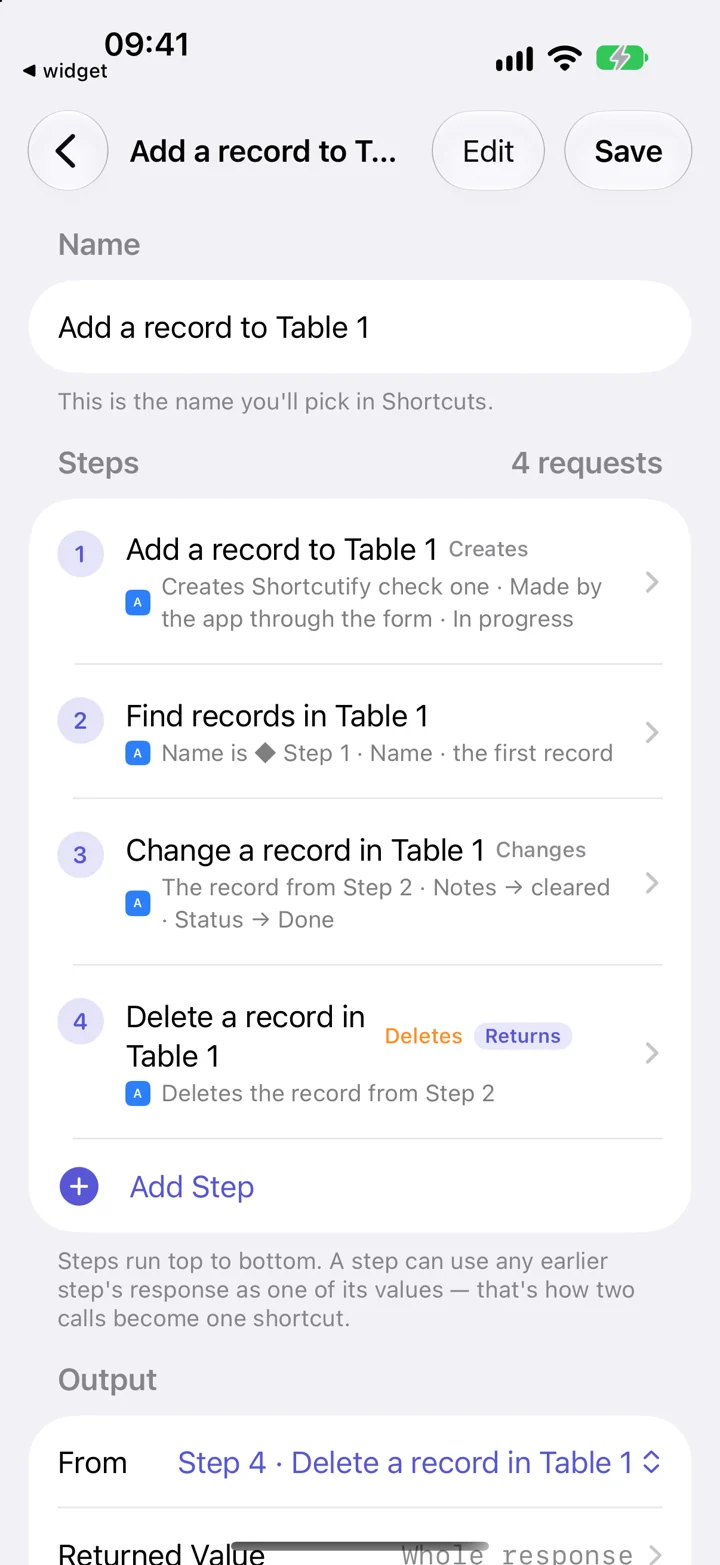
Run steps in order. A later step can use a value returned by an earlier one.
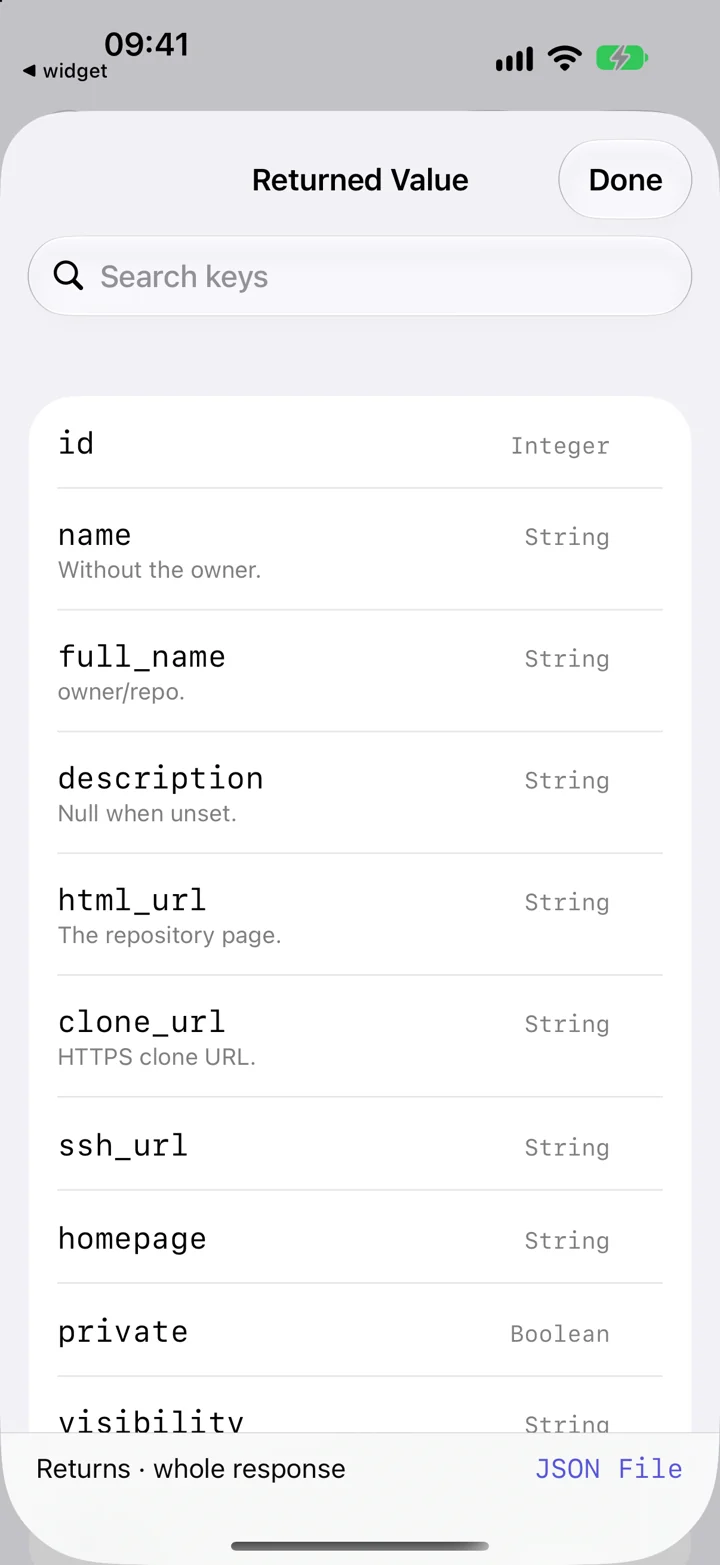
Choose fields from the response to send back to your shortcut.
Screenshots use example content. The forms and controls are from the iOS app.
YOUR APPS, CONNECTED
Pages, tables and to-dos
Bases, tables and records
Repositories, issues and gists
Music, library and playback
Files, folders and share links
Lights, rooms and scenes
Public videos and channels
Your channel’s reports
Structured questions about content
BUILT IN SHORTCUTIFY. RUN IN SHORTCUTS.


